
Working from home is much easier when you have a quiet workspace to focus. You expect a peaceful day of calls and emails.
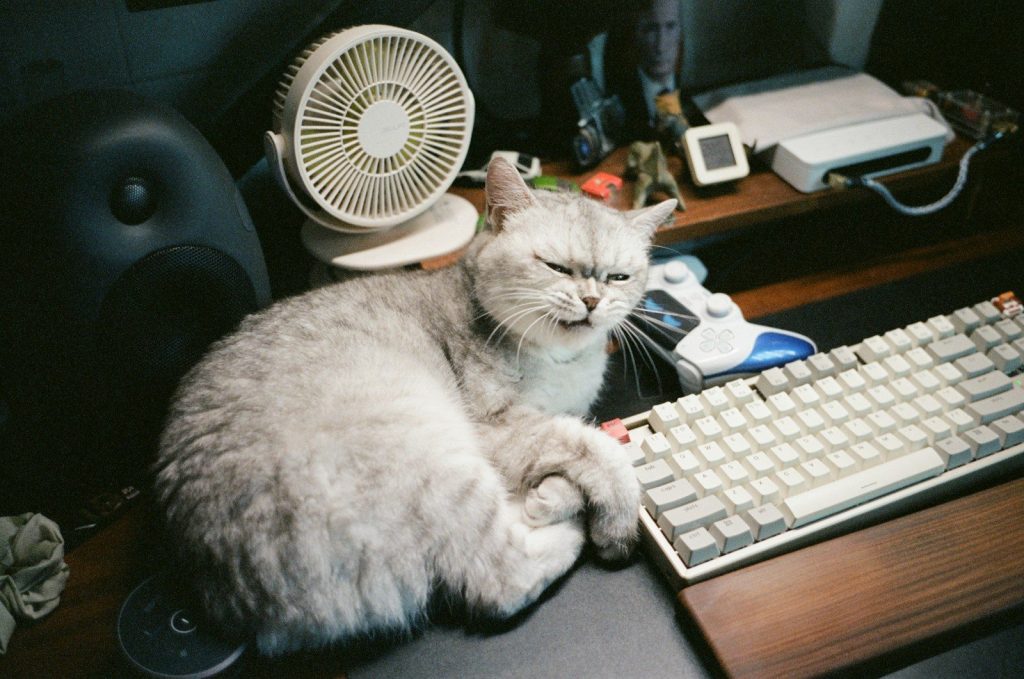
But your cat has a different plan, constantly sitting on your laptop or blocking your keyboard. Why does your pet insist on treating your home office like their personal play area?
The Desk Invading Daily Routine
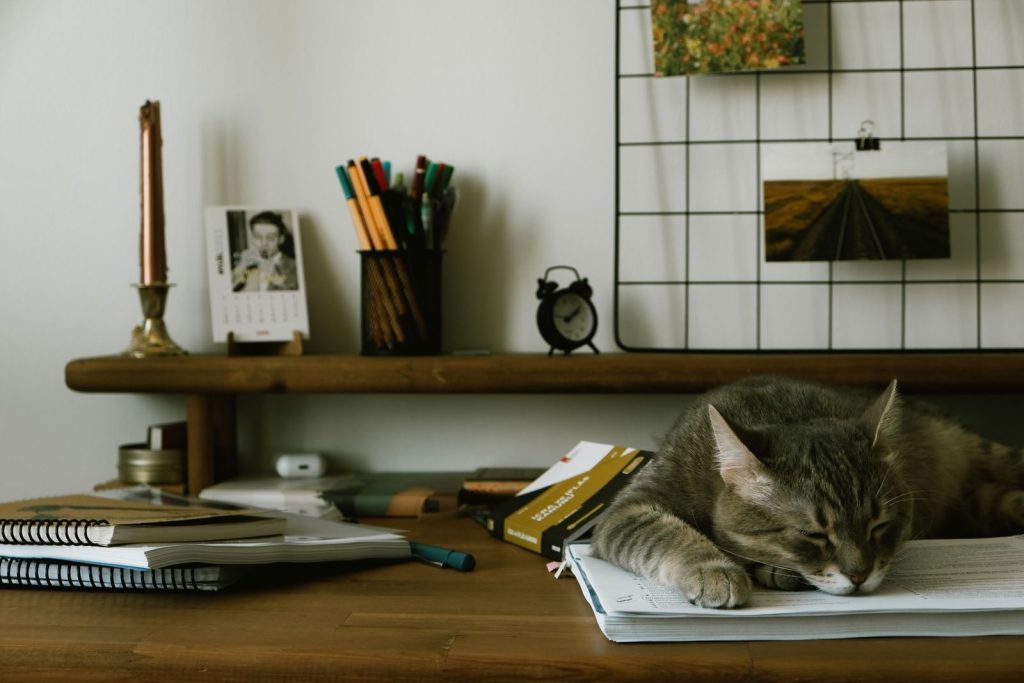
Many remote workers sit down to start their morning tasks and find their cat already waiting. They claim the space. Your pet might lie across your notes or bat at your moving pen. This behavior is highly common, leaving millions of owners struggling to type. But this annoying routine is actually driven by a powerful survival instinct.
Seeking Reassurance and Warmth
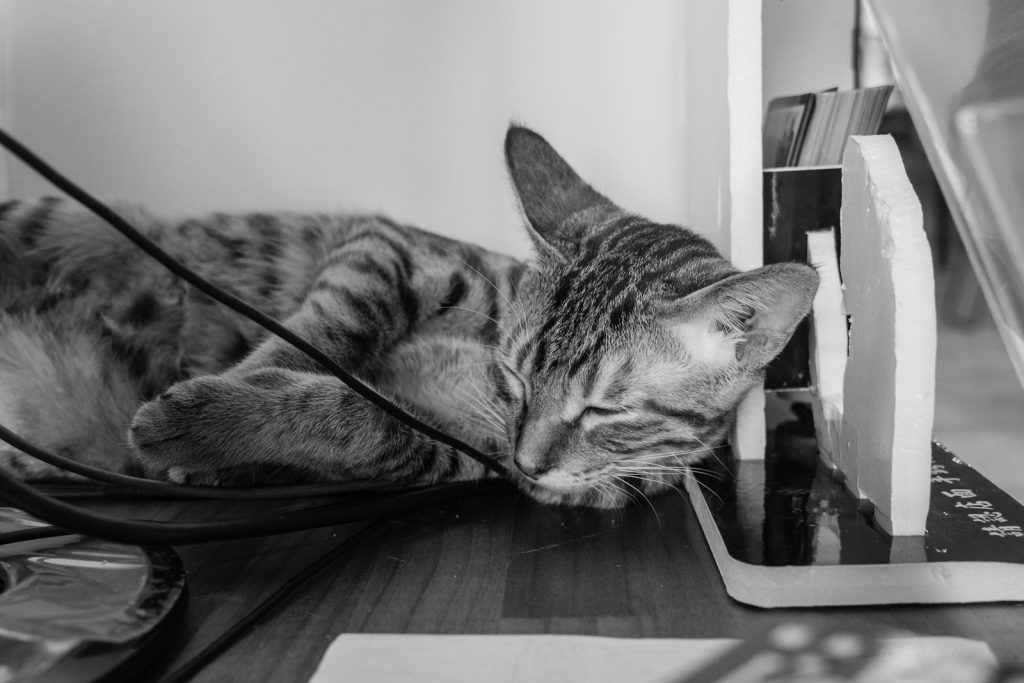
Laptops generate a significant amount of heat during a busy workday. Your pet loves warm spots. According to researchers at the Cornell Feline Health Center, cats are naturally drawn to warm electronic devices. Sitting on your keyboard is the easiest way for them to stay cozy. Yet, warmth is not the only reason they block your view.
Mimicking Your Working Habits
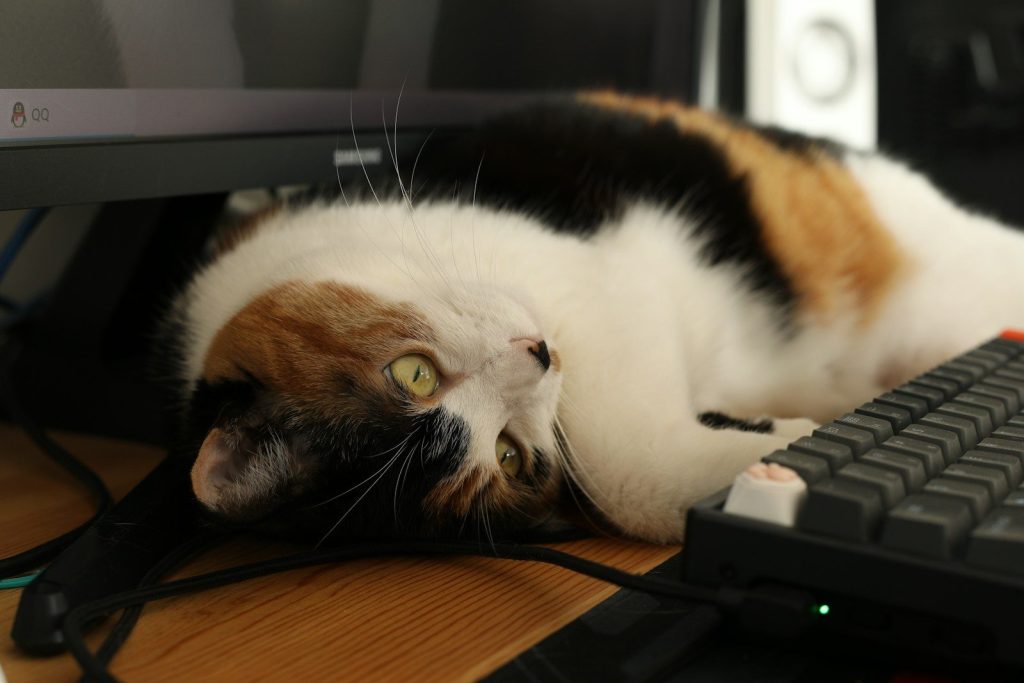
Your cat watches you stare at your computer screen for hours every day. They are highly observant. Felines often mimic their owners’ behaviors to bond with them and feel included. By sitting on your desk, they are participating in your daily office schedule. But this mimicry can quickly turn into a territorial claim over your gear.
Our Desk Is Family Territory
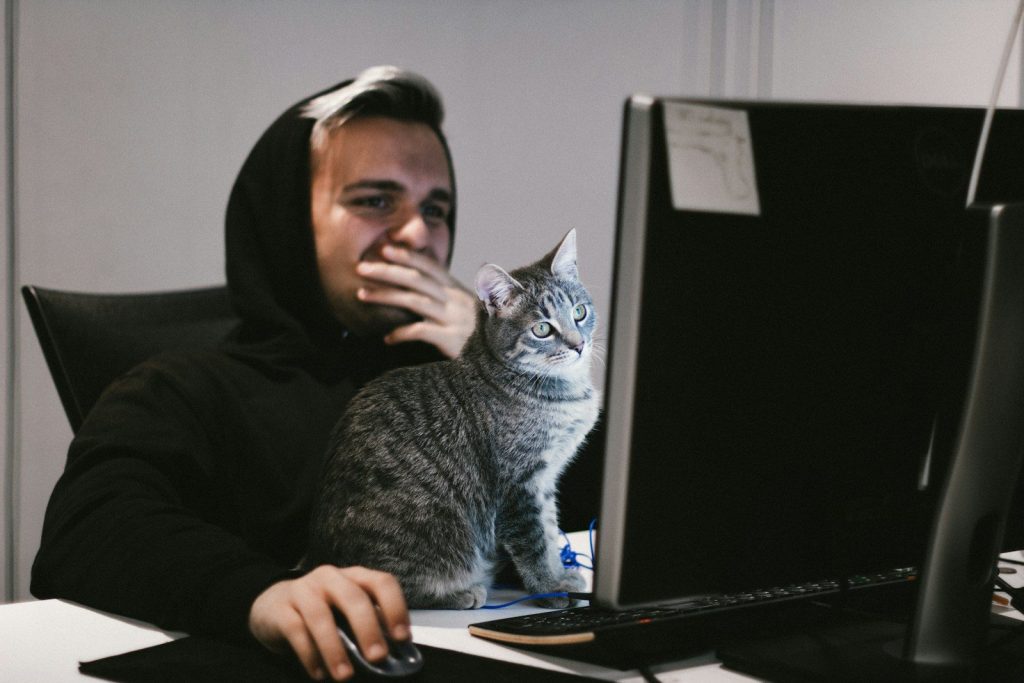
Our office desks are covered in our personal scent, making them highly attractive to your pet. They want to claim it. Felines have scent glands on their cheeks and will rub them against your computer. According to the American Veterinary Medical Association, this behavior marks the desk as safe family territory. They want to ensure they remain your top priority.
Demanding Your Undivided Attention
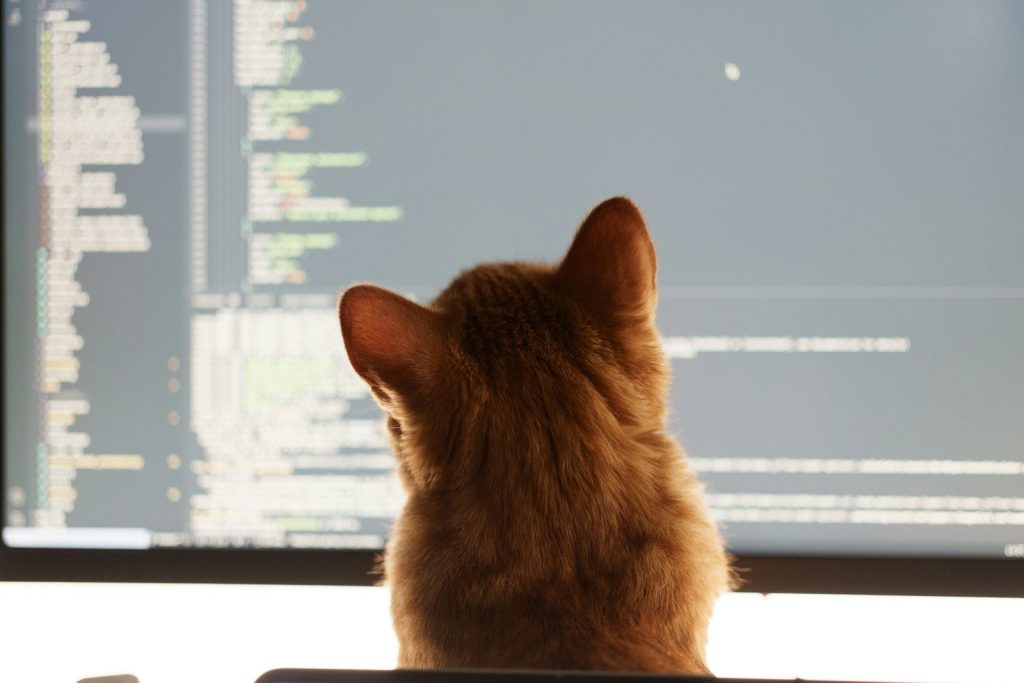
By placing themselves directly between your eyes and the screen, your cat is blocking your focus. They want to play. They quickly realize that stepping on the keyboard forces you to interact with them. Even if you gently push them away, they view this contact as a successful game. Fortunately, you can easily retrain them using a simple setup.
Creating A Private Feline Office
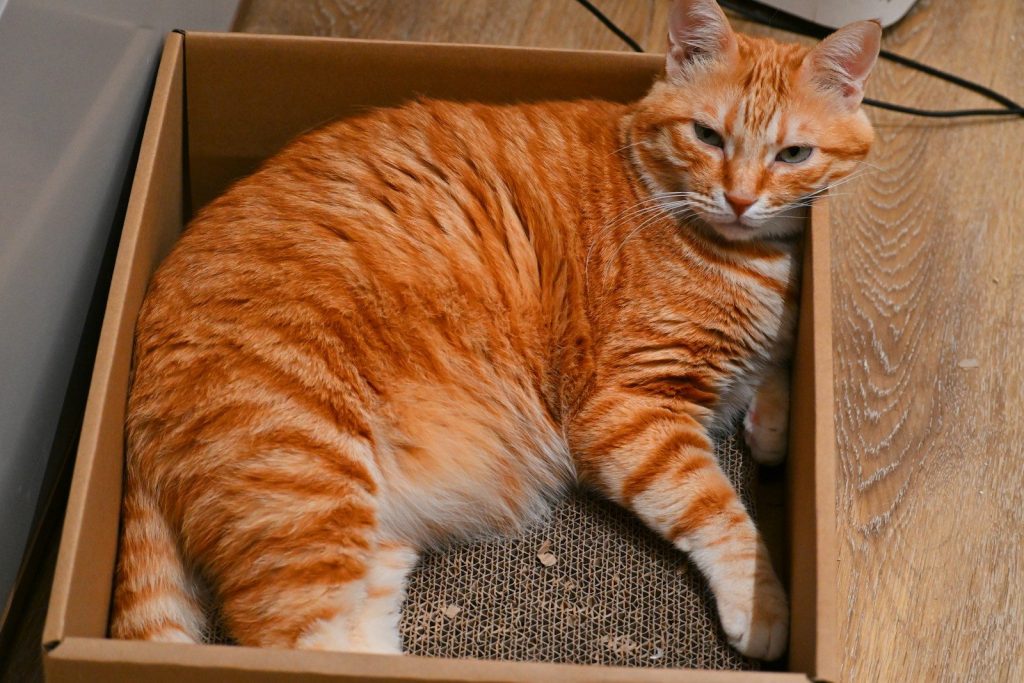
To keep your workspace clear, set up a dedicated cat spot near your desk. Use a small box. Placing a cardboard tray on the corner of your desk satisfies their need to be close. According to reports from the Humane Society, this simple boundary redirects their nesting behavior. You can also use a simple scheduling technique.
Playing Before Your Meetings
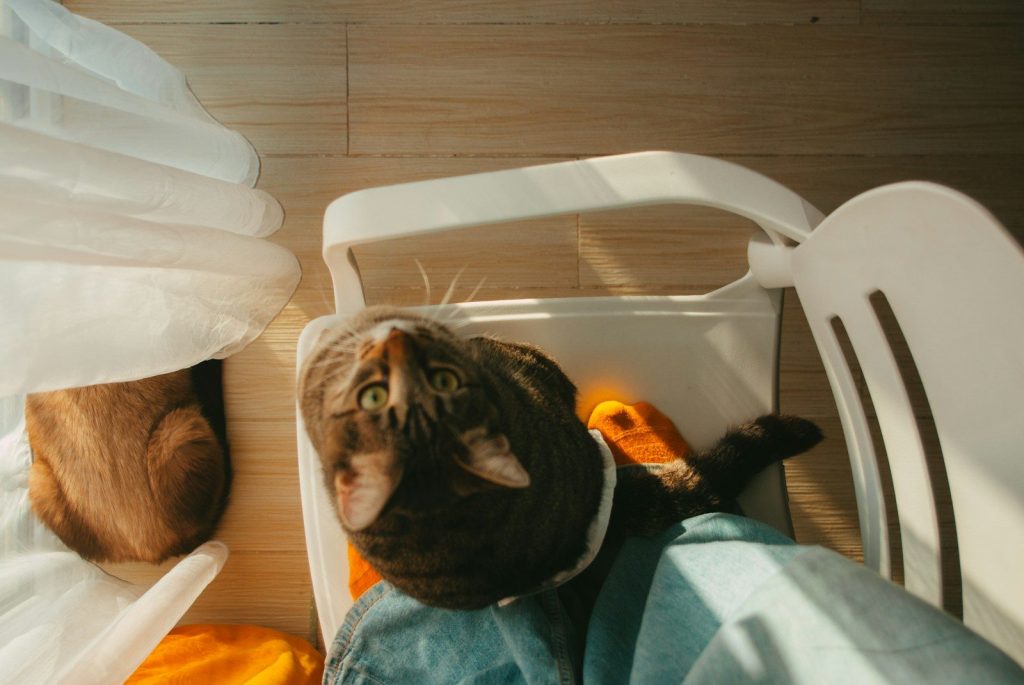
Spend ten minutes playing with your pet before you start your working day. This burns their excess energy. A tired cat is much more likely to nap peacefully in their own bed while you work. Rewarding their quiet behavior with a small treat reinforces their good habits. There is another detail to keep in mind.
A Peaceful Shared Workspace
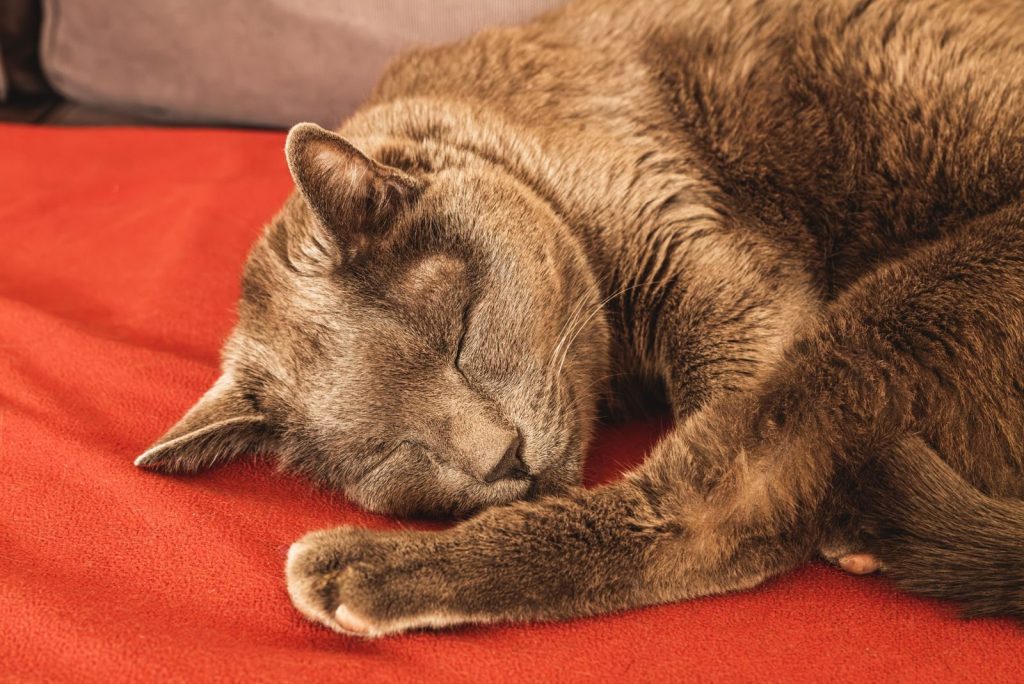
Being patient with your pet is the best way to maintain a happy home office. They love you. With a cozy box and a structured play routine, you can work in peace while your companion rests happily nearby.